Mobile Testing Accessory: usability tests on the Immuni App
We wanted to experiment with the use of the new Mobile Testing Accessory for the analysis of smartphone Apps. The choice of the App to be tested was quite obvious….
Recently, the “Immuni” App was released, which aims to track interactions between people to map and manage any COVID-19 infections.
There has been a lot of talk about it, from various points of view. In this short article, we approach the subject exclusively as usability and User Experience researchers.
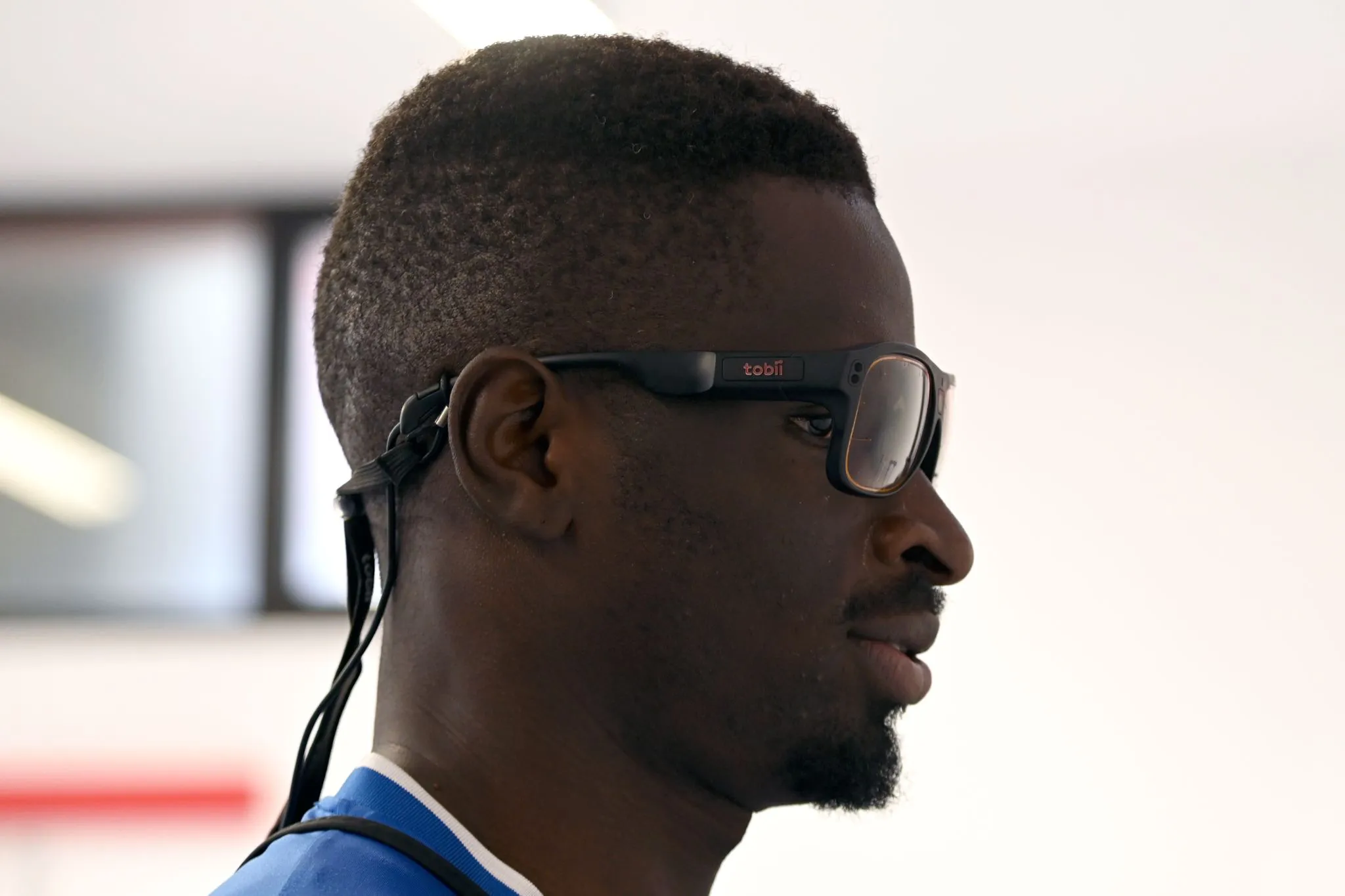
Our team has in fact asked some volunteers to participate in a test, using an Eye Tracking device (Tobii Pro Nano) and the new Mobile Testing Accessory.
Setting
For a description of the Tobii Pro Nano and the Mobile Testing Accessory, we refer you to these sections of our site.
TOBII PRO NANO
MOBILE TESTING ACCESSORY
The Pro Nano is a tracker already known in the UX testing field, while the Mobile Testing Accessory is instead a novelty. It is a tool designed to test the interfaces of mobile devices. Through the connection of the Eye tracker device to the laptop and, simultaneously, thanks to the mobile phone screen mirroring functionality, it is possible to see in real time what the person is looking at within the interface being tested and see their eye movements (and their visual and attentional strategies!) superimposed.
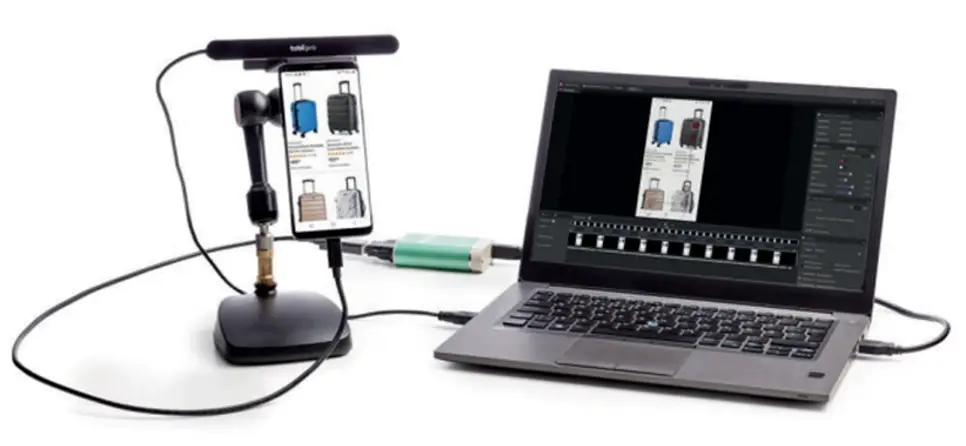
Setup example
UX Testing
A series of tasks were chosen, useful for guiding the person and simultaneously verifying if the App’s functionalities were understood simply and quickly. We conducted the tests applying the Thinking Aloud technique.
In particular, the tasks concerned 3 steps:
- Download the App from the store;
- Install the App;
- Look for instructions on the use of masks.
The App proved to be simple and immediately understandable. Users had no problem navigating within the interface. All calls to action were recognized and understood, as were the various copies present, which did not raise any doubt.
Here is a short recording of one of our testers’ navigation:
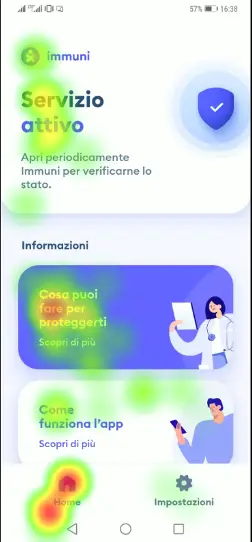
We also extracted the heat maps to observe within the various screens which elements our participants paid most attention to and which, conversely, were neglected (below an example of the home page):
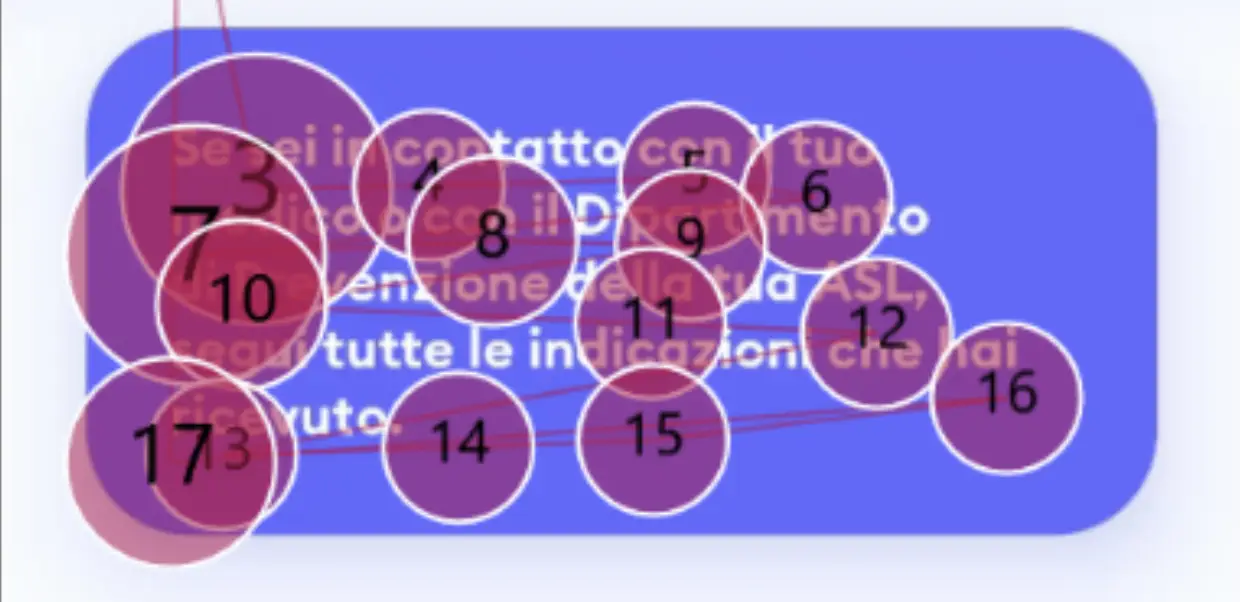
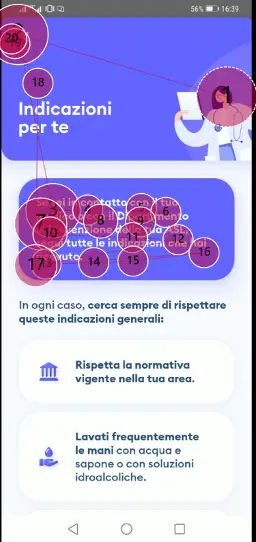
Below is a gaze plot of the first 10 seconds of exploration of the second page (visual experience of 1 participant).
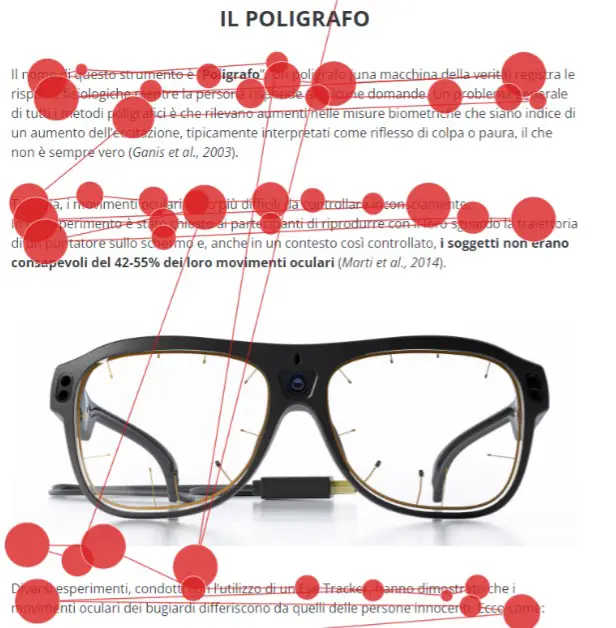
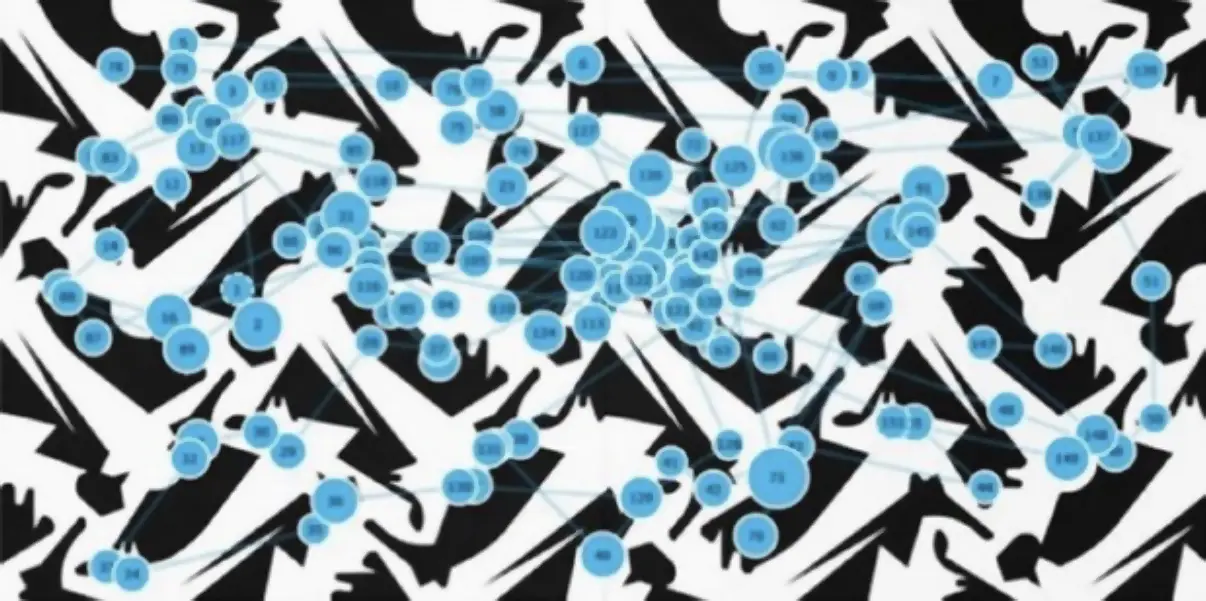
The gaze plot brings to light the visual exploratory path carried out and the succession of key elements taken into consideration by the user. It is configured as a path in stages, a sort of stop&Go, in which each Stop, represented by a circle, is a fixation. The larger the diameter of the circle, the greater the time dedicated to the element.
In the reported Gaze Plot, for example, the intention to read all the text present in the first text box clearly emerges, but also the interest in observing the image of the nurse and the search for the exit point identified in the “x” icon.
The App proved to be user-friendly, very immediate and error-proof!
Want to know more? Contact us