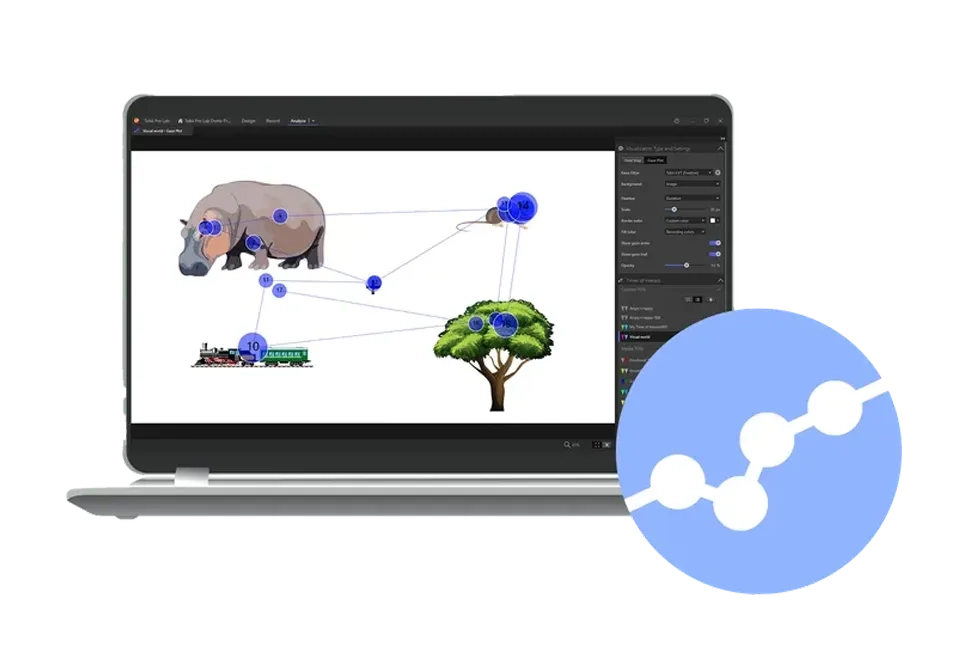
Tobii Pro Lab
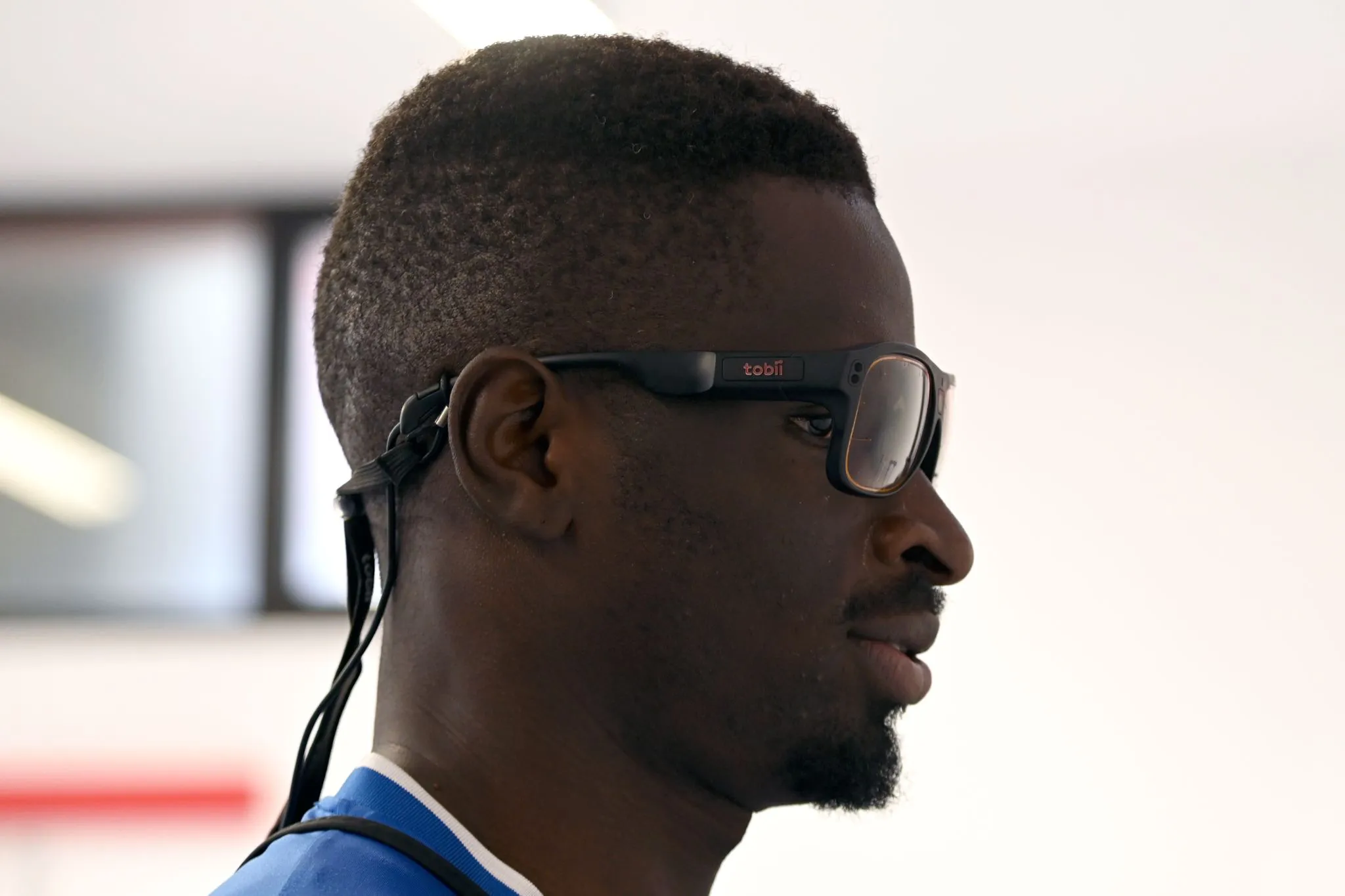
Tobii Pro Lab is the experimental software for eye tracking studies, cited in over 800 peer-reviewed publications. It combines advanced experimental design and data pre-processing tools with a user-friendly interface. Ideal for cognitive and psychological research, with flexibility for broader applications.
Discover the value of Tobii Pro Lab in other research fields
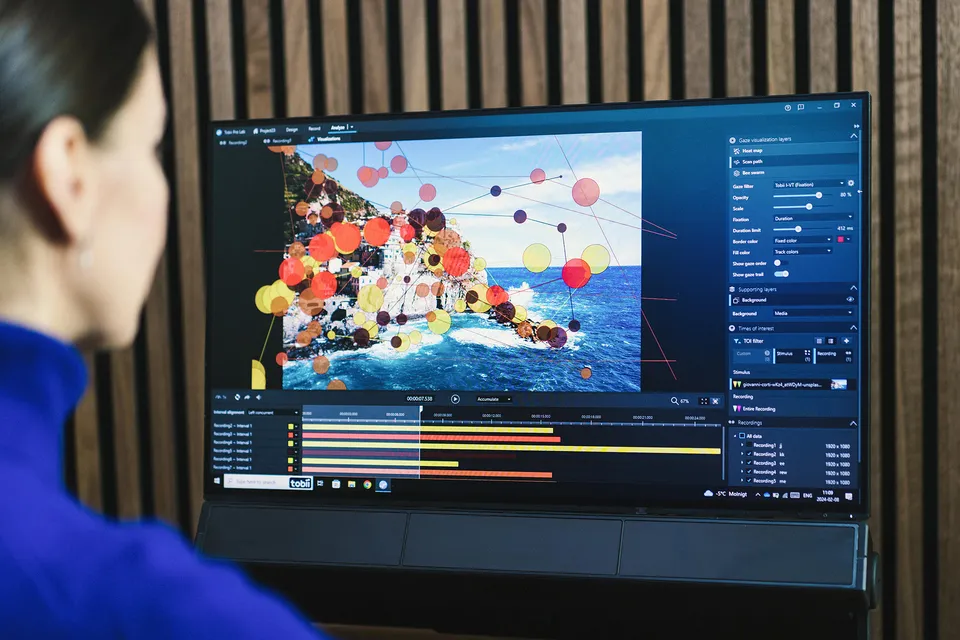
Tobii Pro Lab constitutes, together with Tobii Pro hardware, a complete solution for behavioral research. It provides a visual no-code user interface and dedicated software features that efficiently guide and support the researcher through all phases from experimental design and data recording to analysis.
Human factors research
- Event markers for behavioral coding
- Data and metrics for research on cognitive load
- Usability testing in complex environments
- Workload and situational awareness analysis
Education research
- Student engagement and learning assessment
- Analysis of instructional materials and learning environments
- Investigation of reading and writing processes
- Analyze how students interact with digital learning platforms
Consumer and user research
- Understand consumer behavior through attention analysis
- Quantify where and how long your packaging captures attention
- Make design and advertising decisions using gaze-data insights
- Analyze engagement with easily extractable metrics
Software editions
Tobii Pro Lab is our all-in-one software solution for eye tracking experiments and research studies with Tobii Pro hardware. We offer it in three editions: Full Edition, Analyzer Edition, or Screen-Based Edition. Each edition includes one, two, or all enabled modules — Design, Record, and Analyze —and supports one or more project types. See table below for compatible eye trackers.
Full Edition includes all modules — Design, Record, and Analyze — and supports all compatible Tobii screen-based and wearable eye trackers designed for research. With this edition, you can open and create all project types. Full Edition is ideal if your setup includes screen-based and wearable eye trackers, or if you plan to extend your current setup to include both.
Project Type |
Screen |
Advanced screen |
Glasses |
Scene camera |
External presenter |
Design |
✓ |
✓ |
Create externally |
✓ |
3rd party software |
Record |
✓ |
✓ |
Tobii Pro Glasses 3 Controller App |
✓ |
✓ |
Analyze |
✓ |
✓ |
Create externally |
✓ |
✓ |
Analyzer Edition includes the Analyze module and the Glasses project type for creating projects and importing data recorded with our compatible wearable eye trackers. You can also open and analyze project types created in other editions of Tobii Pro Lab. This edition is ideal for conducting studies with our wearable eye trackers.
Project Type |
Screen |
Advanced screen |
Glasses |
Scene camera |
External presenter |
Design |
|||||
Record |
|||||
Analyze |
✓ |
✓ |
✓ |
✓ |
The Screen-Based One edition includes all project types, with the exception of Glasses, and is compatible with all our screen-based eye trackers. This edition supports all study types, including web or screen recordings, as well as images or videos presented in a timeline format.
Additionally, you can import a spreadsheet with your experimental design and flexibly create stimuli from stimulus templates within the Advanced Screen project type. All modules are included, and you can open and create all project types except for Glasses. This version is ideal if you require full flexibility and comprehensive support for screen-based studies.
Project Type |
Screen |
Advanced screen |
Glasses |
Scene camera |
External presenter |
Design |
✓ |
✓ |
|||
Record |
✓ |
✓ |
|||
Analyze |
✓ |
✓ |
✓ |
Technical specifications
| Current eye trackers | Discontinued eye trackers* | |
|
|
Tobii Pro Spectrum |
Tobii Pro Nano |
|
|
Tobii Pro Fusion (v1.130) |
Tobii Pro Glasses 2 |
|
|
Tobii Pro Glasses 3 (v1.145) |
Tobii Pro X3-120 (USB & EPU) |
|
|
Tobii Pro Spark (v.1.207) |
Tobii Pro TX300 |
|
|
Supported from Lab version x.xx/ or by default if not specified |
Tobii Pro T60 XL |
|
|
|
Tobii Pro T120 |
|
|
|
Tobii Pro T60 |
|
|
|
Tobii Pro T120 |
|
|
|
Tobii Pro X120 |
|
|
|
Tobii Pro X60 |
|
|
|
Tobii Pro X2-60 |
|
|
|
Tobii Pro X2-30 |
|
*Compatibility cannot be guaranteed from version 25.7 for discontinued eye trackers. |
| Required specification | Important notes | |
|
CPU |
Intel Core i7 or Core Ultra series |
10th generation or later; |
|
RAM |
16 GB or more |
|
|
Hard disk |
SSD |
256 GB or more is recommended |
|
Graphics card |
Intel or Nvidia, released in 2018 or later; |
Compatible: Intel UHD/Iris series; Nvidia Quadro/RTX; Nvidia Geforce RTX 20xx or newer |
|
Monitor |
1920 x 1080 resolution |
DVI, HDMI or DisplayPort connector; scaling set to 100% |
|
Operating system |
Windows 10 & 11 (64 bit) Professional or Enterprise |
Professional or Enterprise versions only |
| Required specification | Important notes | |
|
Ports |
RJ-45 Ethernet port |
USB-to-Ethernet adapters may work but can have errors |
|
User/Participant camera (for recording participants during experiments) |
Logitech HD Pro Webcam C920 |
Other equivalent models may work but have not been tested |
|
Scene camera (for setups without screen) |
Logitech HD Pro Webcam C920 |
Other equivalent models may work but have not been tested |
|
Parallel port for sending TTL-signals (only required when syncing with third-party software/hardware) (Tobii Pro Lab only) |
StarTech PEX1P, |
Manhattan PCI 158176, |
|
USB to TTL adapter (only required when syncing with third-party software/hardware) (Tobii Pro Lab only) |
Black Box Toolkit USB TTL module |
Generic USB-to-Parallel-port adapters are normally designed for printers only and may not be able to send TTL-signals. |
|
|
Tobii Pro software requires full administrator rights and does not support roaming profiles. |
|
|
|
Installing/running Tobii Pro software in virtual machines (locally or on a server) is not supported. Running projects over network drives or cloud storage is also not supported. |
|
|
|
If you have a multiple-screen setup, “extend screen” is recommended but “duplicate screen” can be used in some use cases. Please refer to this article for details. |
|
|
|
You can avoid negative timing effects and interference from other machines in the same network by using a direct connection between your computer and the Tobii Pro eye tracker. We do not recommend using extension cables, USB hubs, adapters, etc. |
|
|
|
If you run experiments that utilize other biometric measures in conjunction with eye tracking, check the system requirements of any attached third-party equipment. |
|
|
Dimensions (L x H x W) |
55 cm × 18 cm × 6 cm (22″ × 7″ × 2″). The eye tracker is mounted on a stand, which raises it from the surface by 9 cm (approximately 4″) |
|
Weight |
5.1 kg (11.4 lbs.) – With the power supply unit, the weight is 5.7 kg (12.9 lbs.) |
|
Connectors |
TTL input: 8-bit (DB-9 connector) – Communication: Ethernet (RJ-45 connector) – Power supply: 24 VDC (5.5 mm connector) |
|
Data Processing |
Fully embedded data processing |
|
Eye tracking cameras |
N/A |
|
Illuminators |
Dark pupil illumination modules. |
|
Power consumption |
Typical power consumption: 60 W Max. rated power consumption: 96 W |
|
Power options |
Input: 100-240 VAC 50/60 Hz – Max. rated power consumption: 120 W – No load power consumption: <0.15 W – Energy efficiency level: VI – Complies with EISA 2007/DoE, NRCan, AU/NZ MEPS, EU ErP, and CoC Version 5 |
Contact us and request a quote
All media are ©Tobii. All Rights Reserved.
2026 © SR Labs s.r.l. All Rights Reserved. P.IVA IT03283700965 – Informativa Privacy